How can a planner share the event day timeline with every vendor so nobody works from an old version?
Giving all vendors one shared, current timeline so the DJ, caterer, and photographer stay in sync.
Keep one master timeline in a single place and give every vendor a link to it rather than emailing separate copies. When you edit that one version, everyone opens the current schedule automatically, so the DJ, caterer, and photographer all read the same times without hunting for the latest attachment.
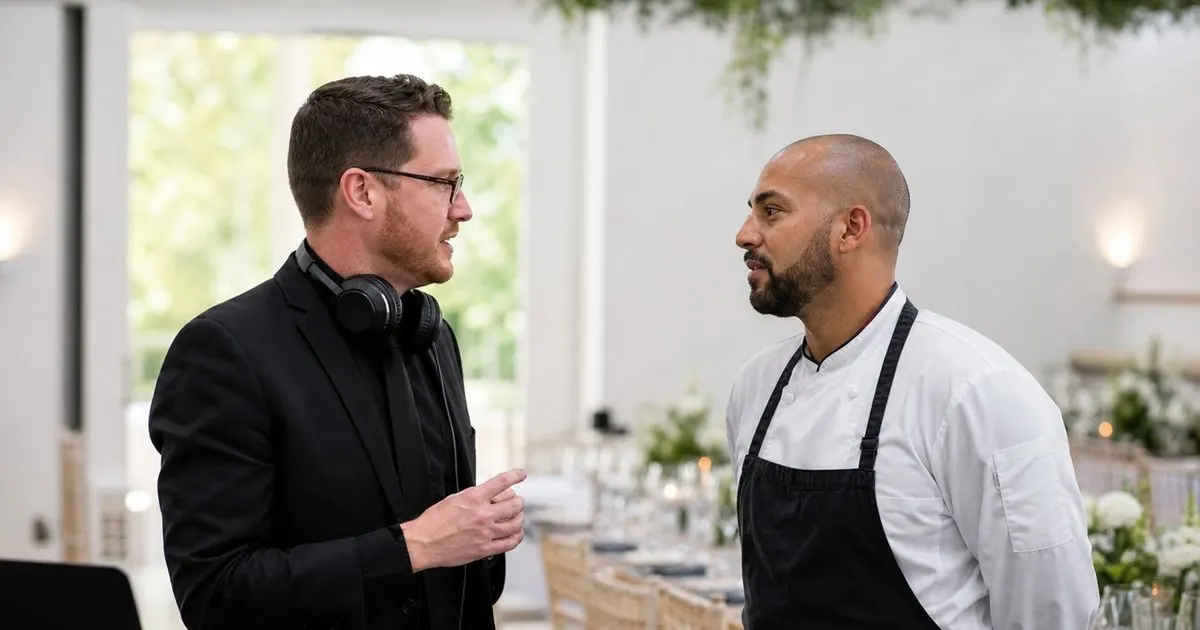
The version problem
When each vendor holds their own copy of the timeline, a single change means chasing everyone to update, and someone always misses it. Related: What details and cues should a run of show include beyond just the times for each event moment?
On the day, the DJ working from last week's version and the photographer from a printout is how carefully planned moments go wrong.
Keep reading: How do event planners build a minute-by-minute run of show that actually keeps the day on schedule?, What is the best way to adjust an event timeline on the fly when the day is running late?, Why should every moment in an event run of show have a clearly assigned owner responsible for it?. See how GigTimelinr helps you event day-of run-of-show timeline builder.
One shared timeline
Sharing a single timeline that all vendors view means there is only ever one version, and it is always the current one.
When you adjust the plan, every vendor sees the update through the same link, so nobody is left acting on outdated information.
Everyone on the same clock
A shared timeline puts the DJ, the caterer, and the photographer on the same clock, so cues line up instead of colliding. Related: Can event planners reuse a proven timeline template instead of building every run of show from scratch?
That alignment is what lets the toast, the first dance, and the meal service flow in the right order without frantic coordination.
No accounts to view
Vendors should not need to create accounts just to see the schedule, so a simple share link keeps access effortless. Related: How do event planners build a minute-by-minute run of show that actually keeps the day on schedule?
When viewing the timeline is as easy as opening a link, every vendor actually uses it, which is the whole point of sharing it. Related: Why should every moment in an event run of show have a clearly assigned owner responsible for it?
- Separate copies drift out of sync fast
- One shared timeline has a single current version
- A shared timeline keeps vendors on one clock
- A simple link means every vendor actually uses it

Julien Jimenez
Julien Jimenez is an independent software builder based in Paris. He designs, ships, and operates focused SaaS products for small businesses and independent professionals. Read the full author page.
Frequently asked questions
Do vendors need an account to view a shared timeline?
No. A view-only link lets vendors open the current schedule in a browser without signing up, which makes them far more likely to actually check it.
Why do emailed timeline copies cause problems?
Each emailed copy freezes at the moment you sent it. After one edit, vendors hold different versions, and someone inevitably works from an outdated attachment on the event day.
A run of show that holds
Event day-of run-of-show timeline builder. GigTimelinr is built to help you put this into practice.
Build your run of showMore from the GigTimelinr blog
Get the GigTimelinr playbook
Practical guides on event production, straight to your inbox as we publish them. No spam, unsubscribe any time.